Work page directions
Four bolder treatments for Our Work
Same palette, same projects — each option below is the real Work page content with a stronger visual layout. Pick the one you like and we'll make it live.
Option A — Featured Project Banner
Your flagship build opens the page full-screen, everything else follows as editorial rows.

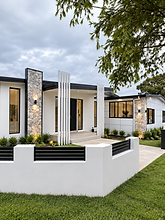
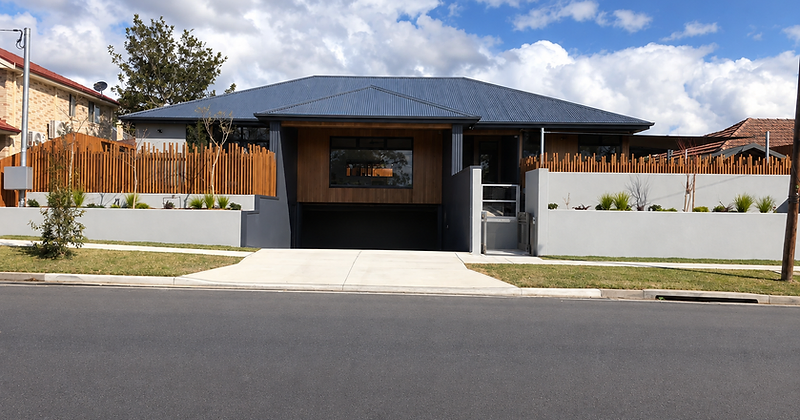
New Build · Howard Street, Strathfield
Luxury New Build, Currently Under Construction
View project
01
Full Rebuild & Extension
Family Home, Stripped Back and Rebuilt with an Extension
Hamilton St, South Wentworthville
View project
02
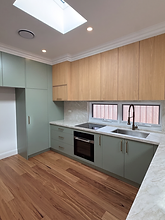
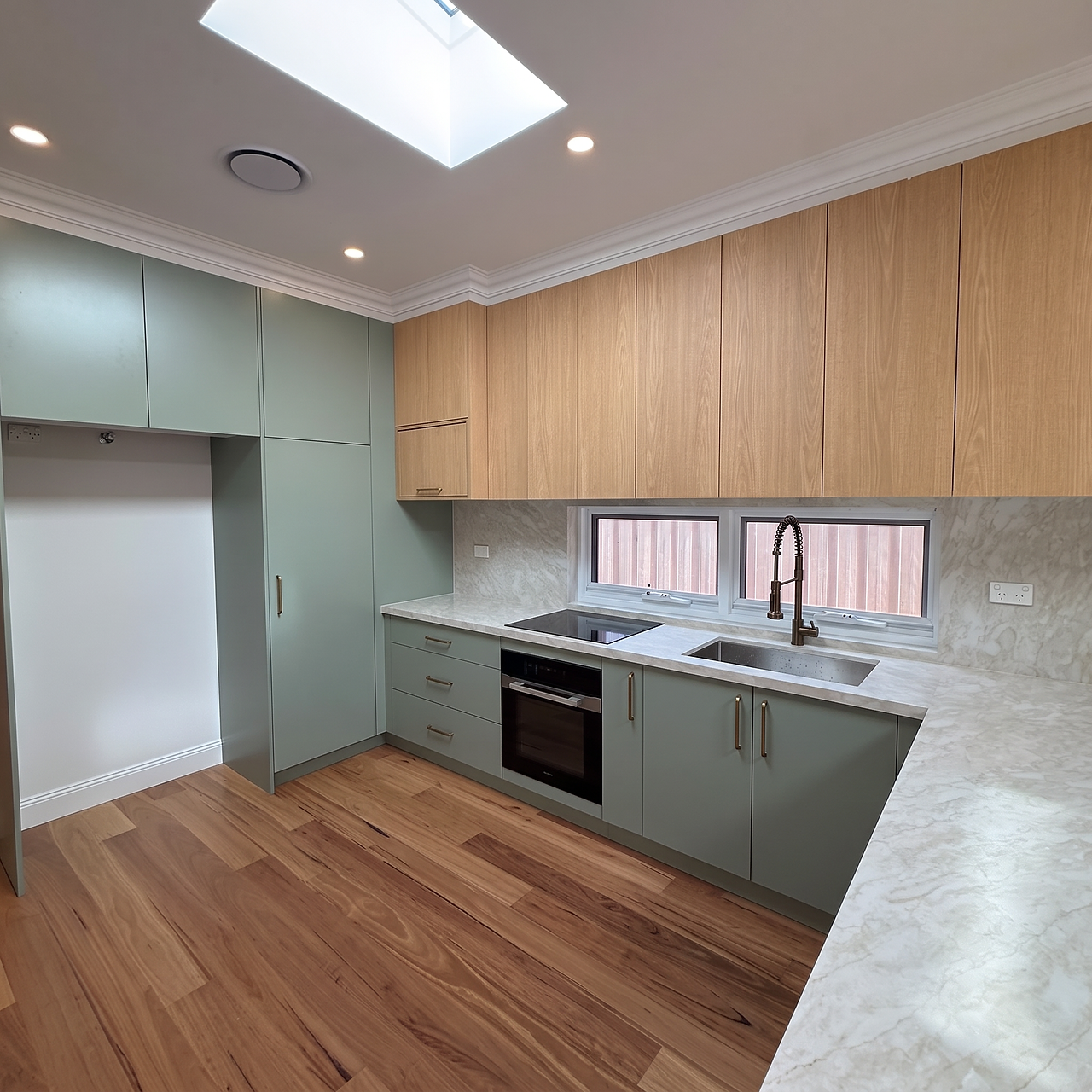
Full Home Renovation and Extension
Inner-West Family Home, Fully Transformed
Margaret St, Stanmore
View project

03
Full Home Renovation
Inner-West Home, Renewed Throughout
Davies St, Leichhardt
View project
04
Full Apartment Renovation
Semi-Sized Apartment, Recreated From a Shell
Mount St, Coogee
View project
05
Full Apartment Renovation
Beach-Fresh Apartment, Tranquil Bellevue Hill Setting
Old South Head Road, Bellevue Hill
View project

06
Full Apartment Renovation
Newly Renovated Apartment, Moments to Coogee Beach
Kidman St, Coogee
View project
07
New Build
Stylish Duplex, Nestled in Revesby Heights
Morotai St, Revesby Heights
View project
08
New Build
Contemporary Duplex, Styled for Entertaining
Drake St, Panania
View project
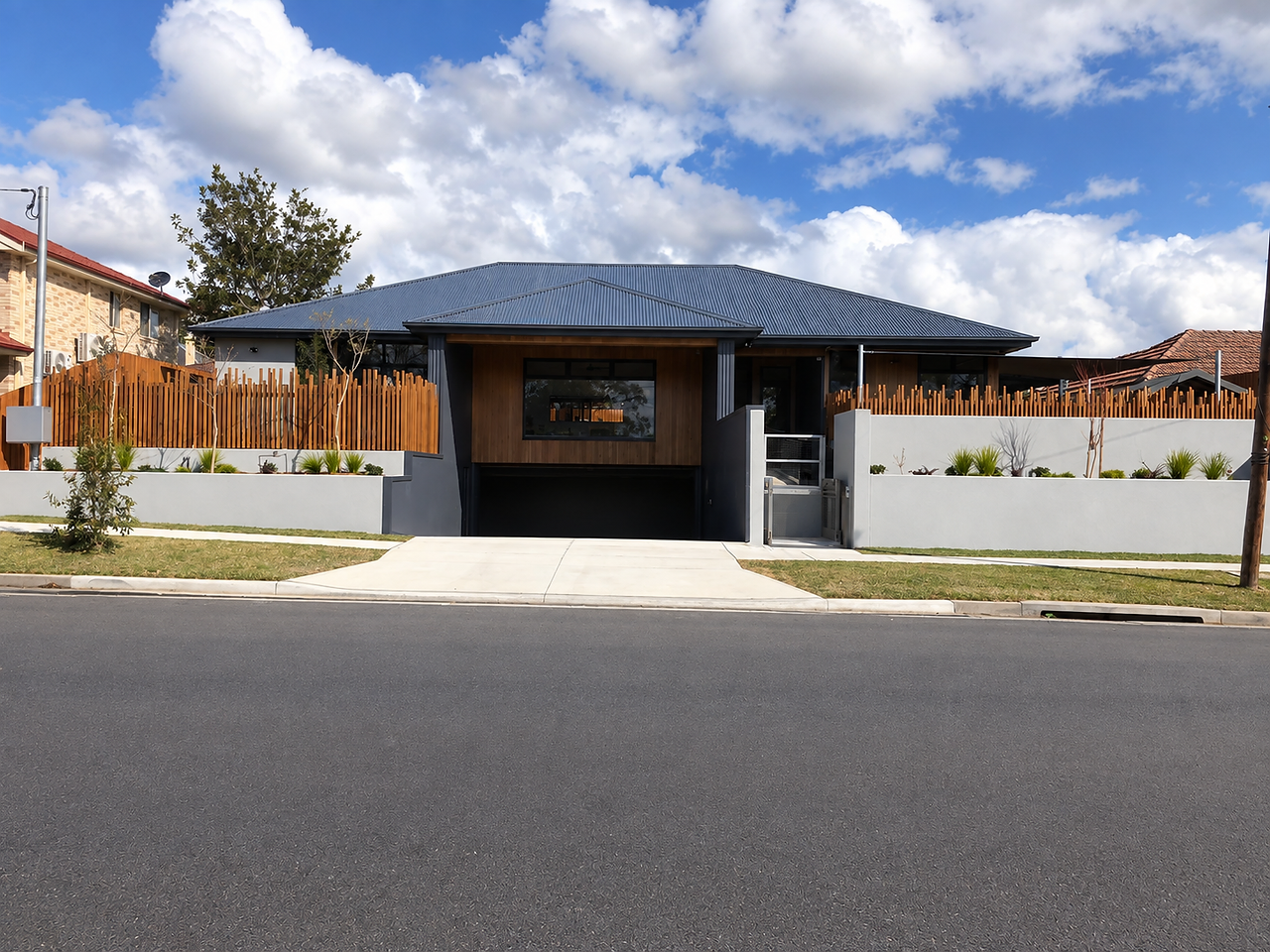
09
Childcare Construction
Educoe Childcare Centre, Purpose-Built
Rowland St, Revesby
View project
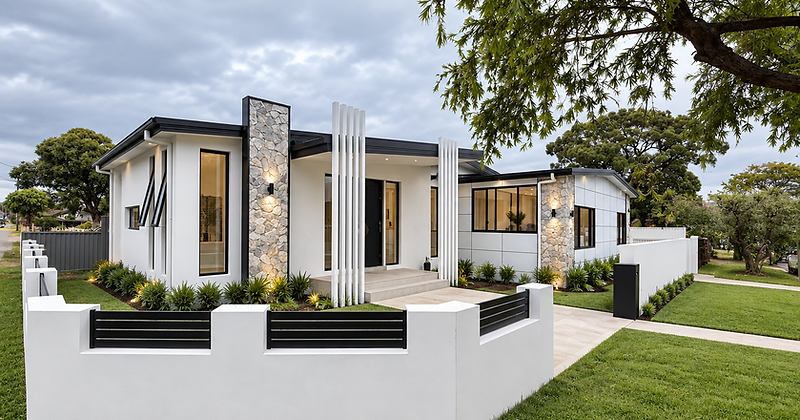
Option B — Full-Screen Project Reels
Every project gets a cinematic full-width banner with the title overlaid.





Option C — Oversized Project Index
A bold editorial index — huge titles, hairline rules, hover reveals.
10 projects delivered across Sydney



Option D — Photo Mosaic Wall
A magazine-style mosaic grid where hero projects take larger tiles.